Guard tour software and security guard patrol softwareTURN EVERY CHECKPOINT INTO A RECORD OF THE WORK.
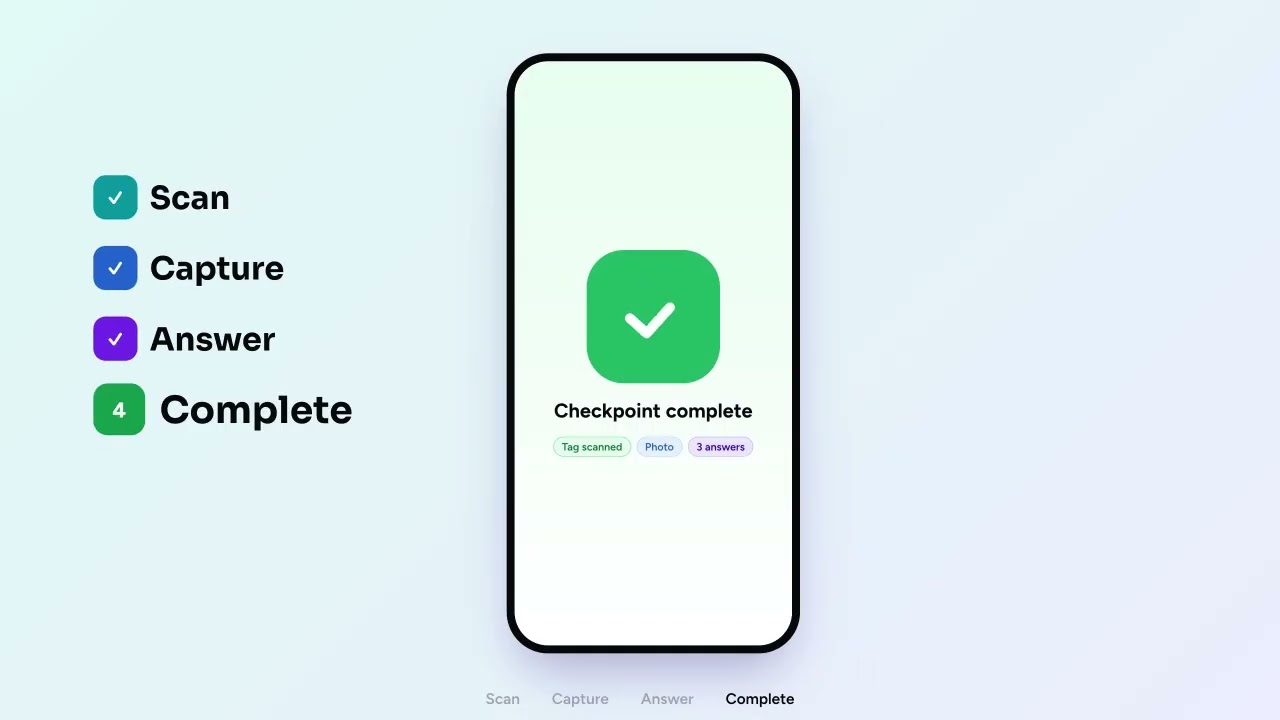
Guardix tours turn a patrol into a list of checkpoints the officer must work through: NFC tags, QR codes or GPS points. The officer starts the tour on the phone, scans each tag or checks in at each GPS point, takes the photos the checkpoint asks for and answers its questions. Managers then see each run on the web with scan times, photos, answers and any checkpoints recorded as missed.
Each tour belongs to one post site, runs on the days and times you choose, and lists the NFC tags, QR codes and GPS points its assigned officers must check.
NFC, QR or GPS checkpoints
Add NFC or QR tags, or GPS points, on the post site. A tag goes on the Site Tour Tags tab with a name, Tag ID, location description and instructions for the guard; a GPS point needs no tag and is added where you stand in the manager app with a 25, 50 or 100 m radius, or by its coordinates on the web. The officer taps Scan NFC Tag or Scan QR Tag, or checks in at a GPS point.
Required photos per checkpoint
Set how many photos a checkpoint needs. The phone will not submit that checkpoint until the guard has taken them, though the guard can skip the whole checkpoint and account for it when ending the tour.
Post-scan questions per tag
Build each tag's Post-Scan Questions with text, checkbox, single choice, drop-down and file upload fields, each optional or required. Officers answer them on the phone right after the scan and can add notes.
Tour results and reports
Before ending, the guard sees Tour Results with completed and missed checkpoints. On the web, the Site Tour Report shows each run with scan times, photos, answers and officer comments, and exports to PDF or Excel.
Schedules and repeating rounds
Pick the days, start times and a maximum duration, or let a tour repeat every 30 minutes, every hour or every 2 hours while the guard is clocked in at the site.
One Tours page for every site
The web Tours page lists every tour with its tags, assigned employees and status: Upcoming, Ongoing, Completed or Missed. Filter by post site, employee or time to find the tours that need attention.
01 / 04
NFC, QR or GPS checkpoints
Add NFC or QR tags, or GPS points, on the post site. A tag goes on the Site Tour Tags tab with a name, Tag ID, location description and instructions for the guard; a GPS point needs no tag and is added where you stand in the manager app with a 25, 50 or 100 m radius, or by its coordinates on the web. The officer taps Scan NFC Tag or Scan QR Tag, or checks in at a GPS point.
02 / 04
Required photos per checkpoint
Set how many photos a checkpoint needs. The phone will not submit that checkpoint until the guard has taken them, though the guard can skip the whole checkpoint and account for it when ending the tour.
03 / 04
Post-scan questions per tag
Build each tag's Post-Scan Questions with text, checkbox, single choice, drop-down and file upload fields, each optional or required. Officers answer them on the phone right after the scan and can add notes.
04 / 04
Tour results and reports
Before ending, the guard sees Tour Results with completed and missed checkpoints. On the web, the Site Tour Report shows each run with scan times, photos, answers and officer comments, and exports to PDF or Excel.
North gate
Night tour · Pier 9
North gate
Fuel store
Dock 3
Office
Photos requiredFuel store
0 / 3 photos
Checkpoint questionsFuel store
Lock intact?Yes
Spill visible?No
Lighting working?Yes
North gate9:02 PMFuel store9:20 PMDock 39:31 PMOffice9:40 PM
Tour complete · 4 / 4 · 38 min
Guardix AI
Ask Guardix AI about your tours.
Office staff can ask the Guardix AI assistant about patrols in plain words. It reads each post site's tour schedules, with days, tag counts and assigned officers, and recent tour completions showing who finished which tour and when. It answers only from the sites the person's role can see, and it needs the company's AI subscription.
Example · a practical example
Before a client meeting, a manager asks which officers completed the night tours at the warehouse this week, then checks the names and times against the Site Tour Report.
NFC, QR & GPS Tours and Patrols
Who uses it, and where.
Managers and supervisors set up tours in the web app, officers run them in the phone app, and clients can follow completed and missed tours at their sites.
Admins, managers and supervisors
Create tags and tours on the post site in the web app, assign officers, and review runs on the Tours page and in the Site Tour Report. Their default roles include managing tours.
Officers
See the site's tours in the phone app once clocked in, start a tour, scan each tag, add photos and answers, then end the tour from Tour Results.
Clients
Get a notification when a tour at their site is completed, or is not completed within its time window. If their client role includes tours, they also see their sites' tours in the client portal.
How it works
How it works
1
Add the checkpoints.
On the post site, add NFC or QR tags, or GPS points with a radius, each with instructions, required photos and post-scan questions.
2
Build the tour.
Choose the tags, officers, days and start times, or set the tour to repeat during each shift.
3
Run it on the phone.
The clocked-in officer starts the tour, scans each tag, adds photos and answers, and ends it from Tour Results.
4
Review each run.
Open the Site Tour Report on the web to check scans, photos, answers and missed checkpoints, then export it.
FAQ
Frequently asked questions
Can different checkpoints have different questions?
Yes. Each tag has its own Post-Scan Questions, built on the web from text, checkbox, single choice, drop-down and file upload fields. You can mark any question as required, and a required question must be answered before the officer can submit that checkpoint on the phone.
What happens if an officer cannot scan a checkpoint?
The officer can skip it and still end the tour. Tour Results shows how many checkpoints were not scanned, and they are recorded as missed on the report, so a manager can see exactly which ones were skipped on that run.
Can a tour repeat during a shift?
Yes. Instead of fixed start times, a tour can repeat every 30 minutes, every hour or every 2 hours while the officer is clocked in at that post site. A round the officer has already patrolled opens again when the next one starts.
Who can create tours, and where?
Tours and tags are set up in the web app on each post site. The default Admin, Manager and Supervisor roles can manage them. Officers with the Guard role can see and run tours in the phone app while clocked in, but cannot change them.
How does a GPS checkpoint work?
The officer taps to check in. The app takes a fresh location and refuses it when it is less precise than 50 meters, more than five minutes old, marked by the phone as a mock location, or outside the checkpoint's radius; then the server measures the distance again and records nothing if the check fails. A GPS check-in needs a data connection, and since a phone can still report false coordinates, it is weaker proof than an NFC tag.
What is a guard tour system?
A guard tour system proves that an officer reached each checkpoint on a patrol route, and when. Guardix guard tour software turns a patrol into a list of checkpoints: NFC tags, QR codes or GPS points. The officer scans each one on the phone, takes the photos it asks for and answers its questions, and managers see every run with scan times, photos and any missed checkpoints.
Next step
Make patrol review about the work performed.
Connect checkpoint scans, photos, questions, and completion records in one Guardix tour workflow.