Skip to content

Platform/Security Operations

Security guard task management software

GIVE EVERY RESPONSIBILITY AN OWNER.

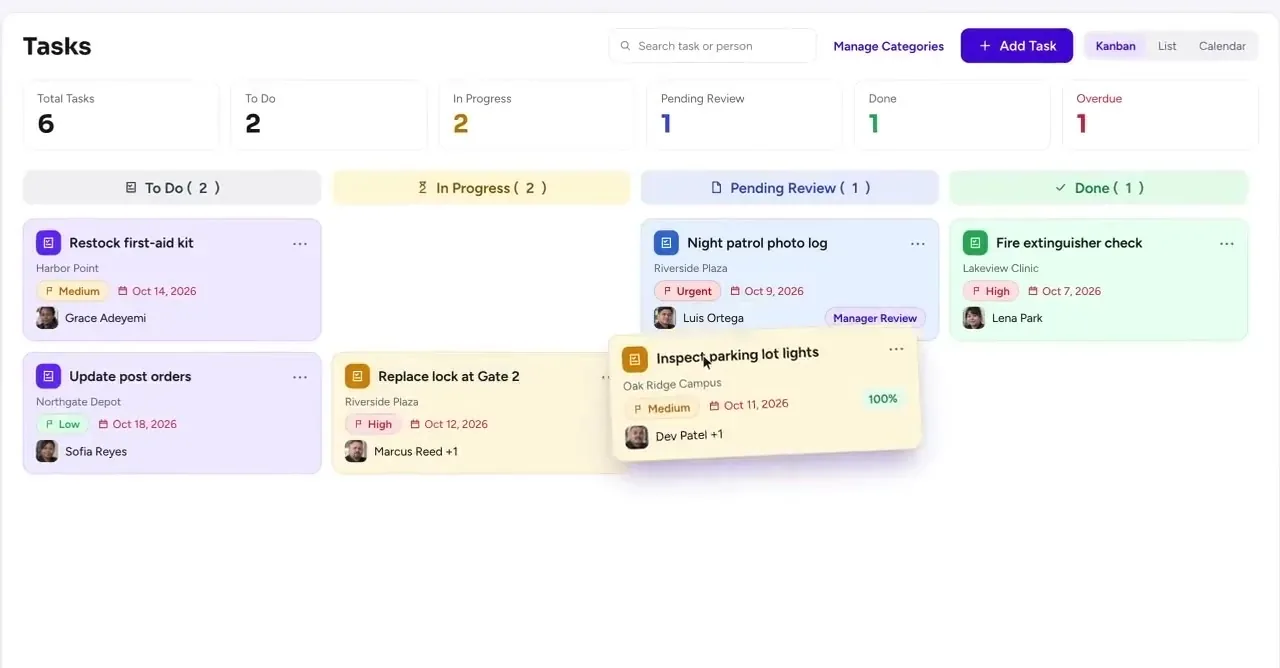
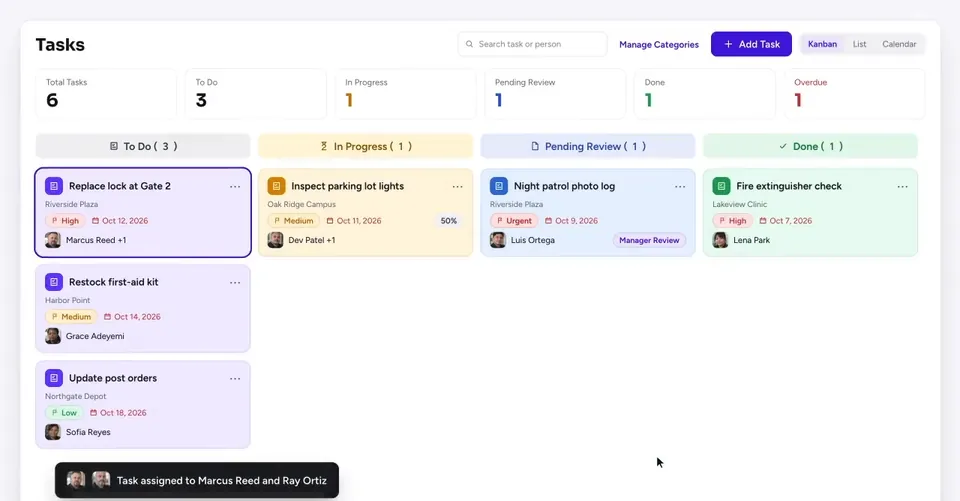
Keep security responsibilities moving from assignment to completion. Guardix tasks and reminders lets your team define the work, assign a responsible user or role, collect supporting details, and follow progress. Connect the task with the relevant site, officer, or operational concern so the next action has a clear owner.

Tasks & Reminders

Tasks & Reminders

Give follow-up a place to happen.

An issue can be noticed without being resolved. Guardix helps your team turn the observation into assigned work, with the instructions, attachments, and reminders needed to keep the responsibility visible. Managers can review progress and follow up through the same operation.

Assign work by responsibility

Direct tasks to the permitted users or roles involved. Give the recipient a clear description of the action and the relevant operational context.

Keep supporting material together

Attach the information needed to understand the work. Photos, documents, or related details help the responsible person review the assignment.

Reminders that support action

Use the supported reminder and notification settings to keep time-sensitive work in view. Company rules determine the audience and timing.

Progress and management review

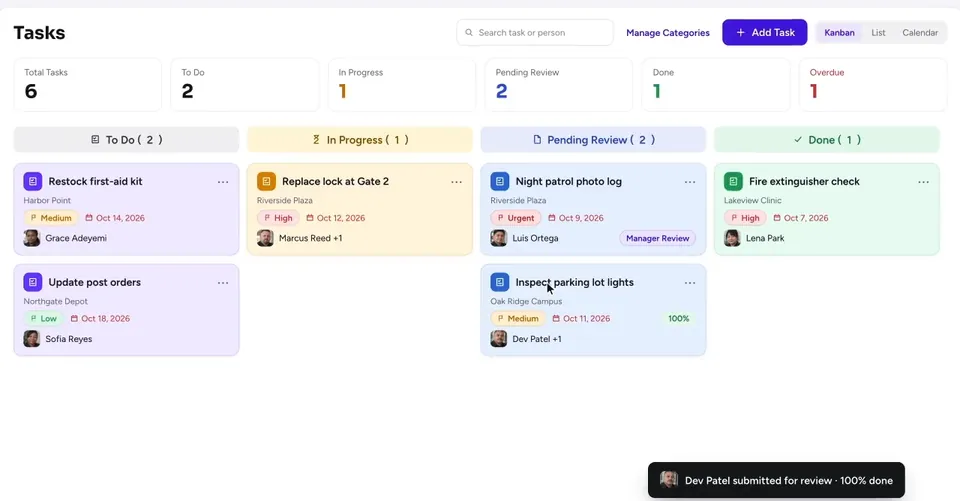
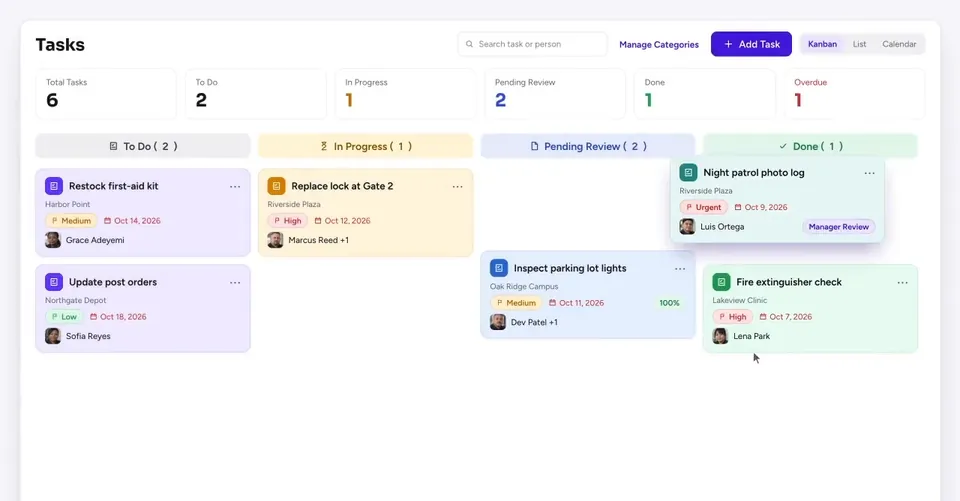
Review task status and the information provided with completion. Help managers understand what was done and which responsibilities still need attention.

01 / 04

Assign work by responsibility

Direct tasks to the permitted users or roles involved. Give the recipient a clear description of the action and the relevant operational context.

02 / 04

Keep supporting material together

Attach the information needed to understand the work. Photos, documents, or related details help the responsible person review the assignment.

03 / 04

Reminders that support action

Use the supported reminder and notification settings to keep time-sensitive work in view. Company rules determine the audience and timing.

04 / 04

Progress and management review

Review task status and the information provided with completion. Help managers understand what was done and which responsibilities still need attention.

Replace gate signSouth Yard
Responsibility: Site supervisor
DPDev PatelSite supervisor · South Yard
Supporting material
Photo of damaged signJPG
Gate B locationMap
Vendor quotePDF
Tomorrow 9 AMReminder to Dev PatelFriDue date
Open tasks · South Yard
Replace gate signDone
Repair side door lockIn progress
Update key listNot started
Reviewed by Marcus Reed

Guardix AI

AI guidance for a clearer next step.

Use Guardix AI's supported platform guidance to understand task and reminder workflows. Approved site instructions can also help clarify the responsibility behind the task. AI helps users find context; your team defines the assignment, assesses the completion evidence, and decides whether further work is needed.

Example · a practical example

A supervisor identifies a missing site document, assigns the follow-up to the responsible person, and adds a reminder. The task becomes the place to review progress.

How it works

How it works

  1. 1

    Describe the work.

    Define the action, instructions, and supporting context.

  2. 2

    Assign responsibility.

    Choose the authorized user or role and configure the reminder.

  3. 3

    Review completion.

    Check the status and evidence before closing the follow-up.

FAQ

Frequently asked questions

Can tasks be assigned to a role?

Use the role and user assignment options supported by your company's task setup. Access should match the people responsible for the work.

Can reminders be used for operational follow-up?

Yes. Configure reminders for the supported task or follow-up workflow, with the timing and recipients your company approves.

Next step

Make the next action visible.

Give officers and managers a connected place to receive, perform, and review assigned work in Guardix.

See Tasks & Reminders