Industry Knowledge
Security post orders: what to include, and how to keep them current
What security post orders should cover, site by site: duties, patrols, access, emergencies and reporting, plus how to keep officers on the latest version.
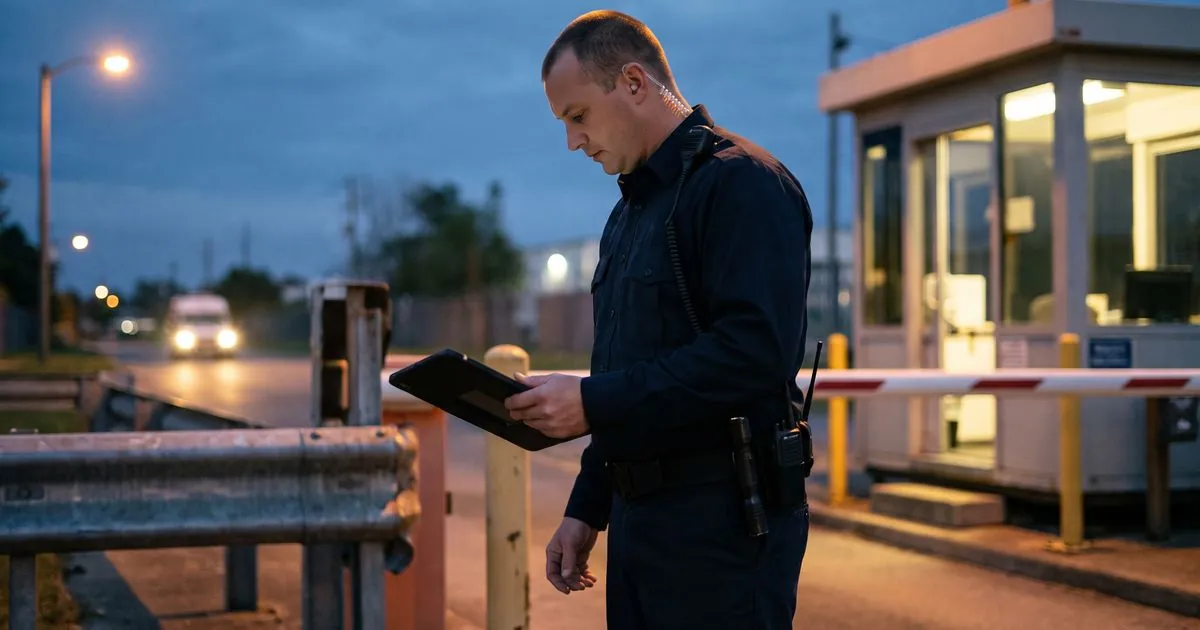
Security post orders are the written instructions for one post at one site: what the officer does, when, and what to do when something goes wrong. Good post orders let a new or relief officer work the post safely on the first shift, and they protect the company when a client asks why something was or was not done.
Key points#
- Write post orders per site and per post, not one generic document for every client.
- Cover duties, patrols, access control, emergencies, reporting and contacts, in that order.
- Use short numbered steps and plain words an officer can follow under stress.
- Every edit needs a fresh sign-off from each officer, with the old version kept on file.
What post orders are for#
Post orders turn the contract with the client into instructions an officer can follow. The contract says what the client is paying for. The post orders say how that service is delivered at this gate, this lobby or this loading dock, on this shift.
They do three jobs at once. They tell the officer what to do. They show the client what the company has committed to. And when an incident ends up in front of an insurer or a lawyer, they show what the officer was told to do, so the question becomes whether it was done.
What to include, section by section#
Keep the same sections, in the same order, at every site. Officers who move between sites then always know where to look.
- Site overview. The client's name, the address, the post's location on site, the hours it is staffed, and the uniform or equipment required.
- Duties and routine. What the officer does at the start of the shift, during it and at the end: opening checks, desk duties, rounds, handover notes.
- Patrols. Which areas to walk, how often, in what order, and what to check at each point. If the site uses guard tours with checkpoints, list the checkpoints by name.
- Access control. Who may enter, how visitors and contractors are checked in, what to do with deliveries, and which doors must stay locked.
- Emergencies. Fire, medical, intruder, alarm, power loss and severe weather: one short procedure each, with who to call first.
- Reporting. Which reports are filed on every shift, which events need an incident report, and how fast. Point officers to the forms they will use for incident reporting.
- Contacts. Client contacts by role, the supervisor on duty, the local police non-emergency line and the alarm company, with the order in which to call them.
- Limits. What the officer must not do: use force beyond policy, leave the post unstaffed, or let anyone in without the right check.
How to write them so they get used#
Write for a tired officer at the end of a long shift, not for a lawyer. Use short numbered steps, one action per step, and the words people at the site actually use for places and doors. Put the most common tasks first and the rare emergencies in their own clearly titled section.
Avoid vague instructions such as "monitor the area". Say what to look at, how often and what counts as a problem. Where a photo or a site map would explain faster than words, attach it.
Read the draft at the post itself. Walk the patrol route with the orders in hand, open each door they mention and call each phone number. Anything you cannot find on the walk will confuse the officer too.
Keeping post orders current#
Post orders go stale quickly: a new tenant, a changed gate code, a new client contact. Review them whenever the site changes and on a fixed schedule in between, and date every version.
Each officer should confirm they have read the current version before working the post, and again after every change. A signature on paper works at one site, but it is hard to track across many sites and shifts. Software that stores post orders per site, asks each officer to acknowledge them in the app and shows the manager who has not yet done so makes this much easier to prove. In Guardix, for example, an edited post order has to be acknowledged again, and the earlier acknowledgments are kept.
Post orders are also the core of site training. New officers should read them, walk the site with a supervisor and then answer a few questions on them. Pair the orders with short training courses for the skills every site needs, such as report writing and de-escalation.
Frequently asked questions#
What is the difference between post orders and general orders?#
General orders are company-wide rules that apply at every site, such as conduct, uniform and use-of-force policy. Post orders are the instructions for one post at one site. Officers follow both, and the post orders should not repeat the general orders word for word.
Who should write security post orders?#
A supervisor or account manager who knows the site writes the draft, and the client reviews the parts that describe their premises and contacts. The company keeps ownership of the document, because it describes how the company delivers its service.
How often should post orders be updated?#
Update them whenever something at the site changes, such as access rules, contacts or hours, and review them on a fixed schedule in between, even when nothing seems to have changed. Each new version should be dated and acknowledged by every officer who works the post.
- Post orders
- Site operations
- Officer training