Guardix Features
Digital post orders: how Guardix shows who has read them
Digital post orders in Guardix: write them for each site, assign them to officers, collect acknowledgments and signatures, and keep every version on record.
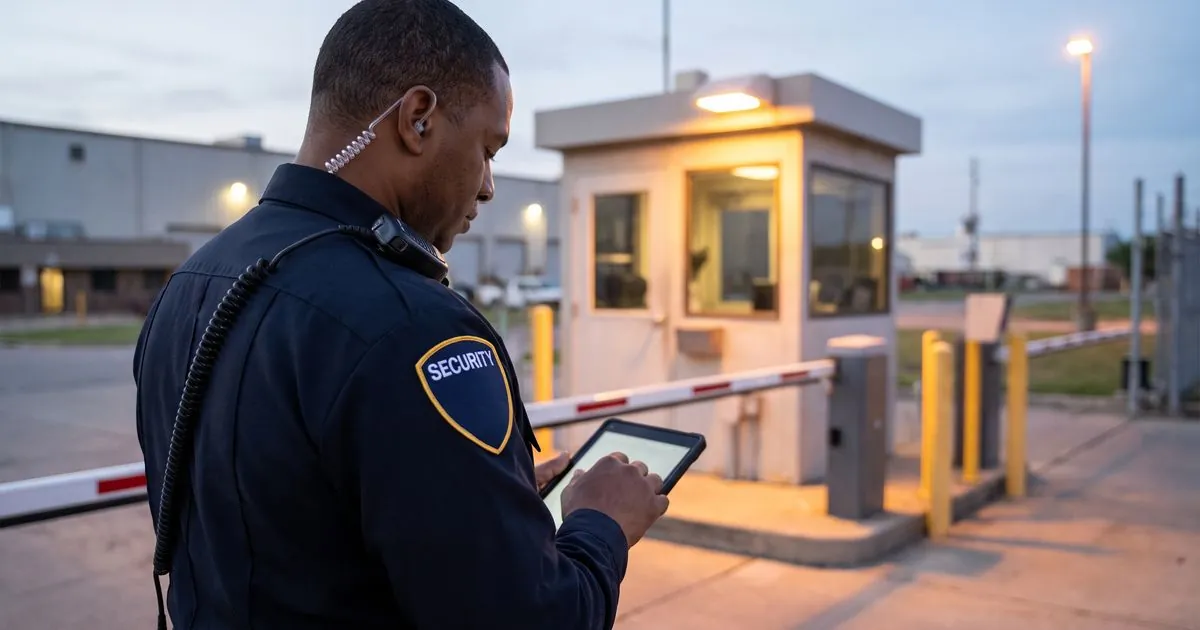
Post orders only work when the officer on post has read the current version. Digital post orders in Guardix put each site's instructions on the officer's phone, ask the officer to acknowledge them, and show the manager who has and who has not.
Key points#
- Managers write post orders for each post site, with formatted text and attachments.
- Each post order goes to chosen officers or to everyone at the site.
- Officers read and acknowledge post orders in the mobile app, optionally with a drawn signature.
- When a post order is edited, officers acknowledge the new version, and earlier acknowledgments are kept.
- Managers, officers and clients can download post orders as a PDF.
The problem with the binder at the front desk#
Every guard company knows the binder. It sits at the desk, the client's latest change is on a loose page, and the relief officer who covers the post on Saturday night has never opened it.
When something goes wrong at a site, one of the first questions is what the officer was told to do. A binder cannot answer that well. It cannot show which version was in it that night, or which officers read it.
Digital post orders keep the instructions in one current place and turn "read the binder" into a step each officer confirms.
How post orders work in Guardix#
1. Write the post order for the site#
Managers write post orders for each post site, with formatted text and attachments. Formatting makes a long order easier to scan on a phone, and the files an officer needs can sit next to the instructions.
2. Tidy the wording, if you want to#
An optional AI button tidies up the wording of a post order without adding content. It helps when an order was written in a hurry or pieced together from emails. It is optional, so a manager who prefers their own wording can skip it.
3. Assign it to the right officers#
A post order can go to chosen officers or to everyone at the site. If a site has a front desk and a patrol post, each order can go only to the officers who work that job.
4. The officer reads and acknowledges it#
Officers read post orders in the Guardix mobile app on iPhone or Android and acknowledge them. The acknowledgment can include a drawn signature.
5. The manager sees who has acknowledged#
Managers see who has acknowledged each post order and who has not. That turns a vague "did everyone read it?" into a short list of names to follow up with before the next shift.
When the post order changes#
Sites change. A client adds a delivery entrance, moves a contact or tightens the visitor rules, and the post order has to follow.
When a post order is edited, officers have to acknowledge the new version. The earlier acknowledgments are kept, so an edit does not erase the record of who acknowledged before the change.
For the manager, this is the most useful part. A new instruction is not finished when it is typed; it is finished when the officers on that site have acknowledged it.
What happens if an officer has not acknowledged#
An officer who has not acknowledged a post order can still work the shift, and the post order shows as pending. Coverage is not blocked by a missing click at the start of a night shift.
The pending status tells the manager or supervisor whom to remind. A good habit is to check pending acknowledgments when the schedule is published and again before a new officer's first shift at a site.
PDF copies for managers, officers and clients#
Post orders can be downloaded as a PDF by managers, officers and clients. A client can review the instructions for their site, and a manager can keep a printed copy at the post as a backup.
Tips for post orders officers will actually read#
Software keeps the right version in front of officers, but the writing still matters:
- Put emergencies first. Who to call, in what order, and where the exits and shutoffs are.
- Write steps, not paragraphs. Short numbered steps are easier to follow at 3 a.m.
- Keep one job per order. A patrol officer should not have to read through the front desk rules.
- Review after every incident and every client request. If the site changed, the post order should too.
For a full checklist of sections, see what to include in security post orders.
Frequently asked questions#
What are digital post orders?#
Digital post orders are a site's written instructions kept in software instead of a binder. In Guardix, managers write them for each post site and assign them to officers, officers acknowledge them in the mobile app, and managers see who has acknowledged.
Can officers sign post orders in Guardix?#
Yes. Officers acknowledge post orders in the mobile app, and the acknowledgment can include a drawn signature. Managers see who has acknowledged and who has not.
What happens when a post order is updated?#
Officers have to acknowledge the new version. Earlier acknowledgments are kept, so the record of who acknowledged before the change stays in place.
Can an officer work a shift without acknowledging the post orders?#
Yes. An officer who has not acknowledged a post order can still work the shift, and the post order shows as pending so a manager can follow up.
Can clients get a copy of their post orders?#
Yes. Post orders can be downloaded as a PDF by managers, officers and clients.
- Post orders
- Features
- Mobile app