Templates
Incident report template for security guards (free, with an example)
A free incident report template for security guards, a filled-in example, and simple rules for writing reports that clients, insurers and police can trust.
- Author
- By Guardix Team
- Reviewer
- Reviewed by Peter Mina
- Published
- Published
- Reading time
- 8 min read
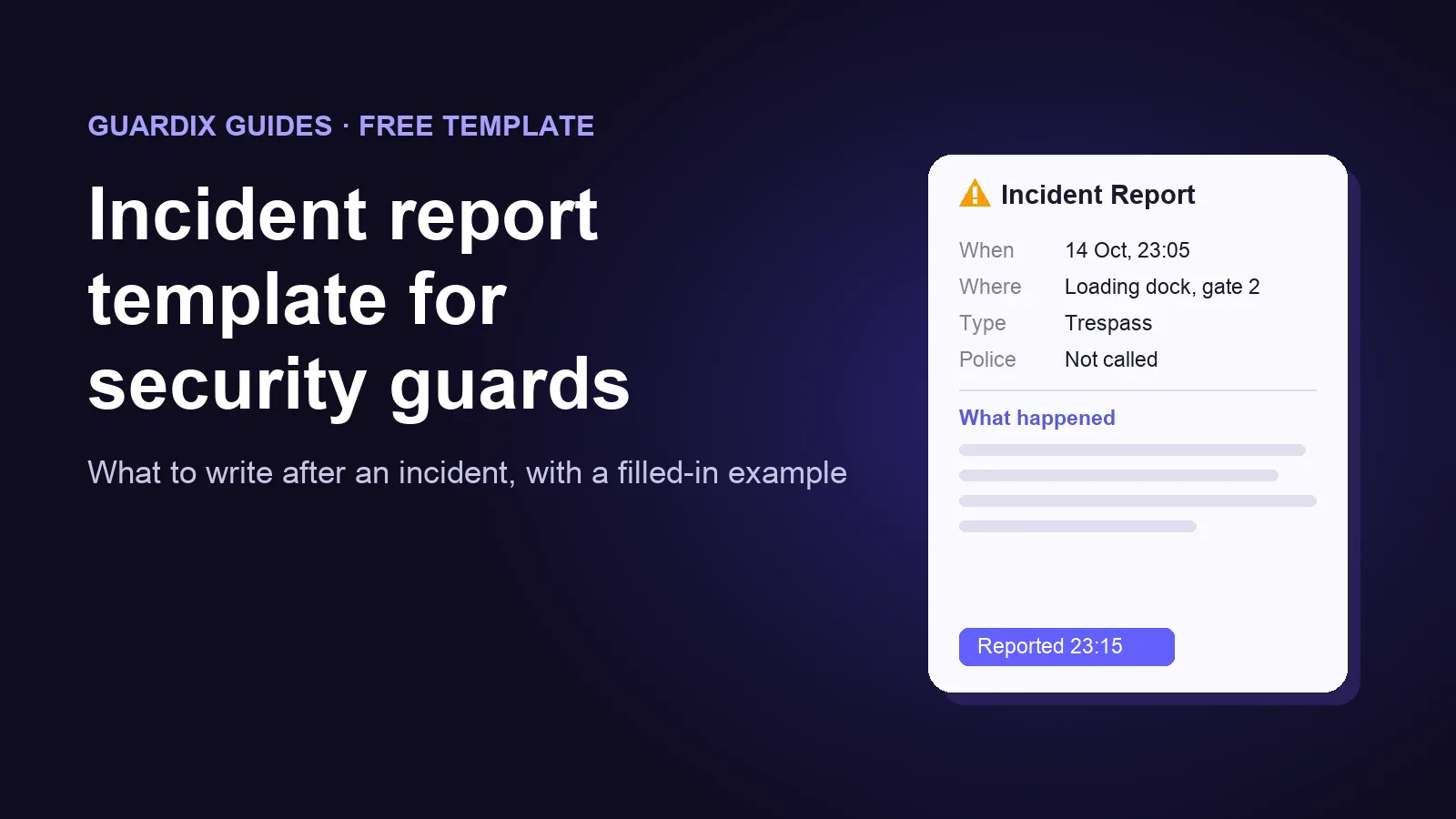
An incident report is the written record of one event that went outside the normal routine of a shift: a break-in, an injury, a fight, a fire alarm, a trespasser. The daily activity report shows that the shift happened. The incident report shows exactly what happened, when, and what the officer did about it.
People who were not there may read it later: your client, your insurer, the police, and sometimes a lawyer, months after the event. A clear report protects the client, the officer and your company. A vague one does the opposite.
This guide gives you a free template, a filled-in example, and the habits that make a report hold up.
When to write an incident report#
Write one whenever something happens that someone may ask about later. Common examples:
- Someone on site is hurt or falls ill, including the officer.
- Theft, damage or vandalism.
- Trespass, a break-in, or an attempt at one.
- A fight, a threat, or any use of force.
- Fire, flood, a gas smell, or an alarm that needs a response.
- Police, fire or an ambulance is called to the site.
- A safety hazard, such as a broken lock, a blocked fire exit or a spill.
- A complaint from a visitor, tenant or employee.
Your post orders and your contract with the client may list more. When in doubt, write the report. A report nobody needed costs ten minutes. A missing report can cost you the client.
What a good incident report includes#
- The basics. Site, exact location, date and time of the incident, time the report was written, and the officer's name.
- The type of incident. Trespass, theft, injury, and so on.
- What happened, in order. Each step with its time.
- The people involved. Names if known. If not, a description: clothing, height, build, and the direction they went.
- Witnesses. Names and phone numbers, and what each one saw.
- What the officer did. Every action, with its time.
- Who was told, and when. Supervisor, client contact, police, fire or ambulance. If the police came, the officer's name and the case number.
- Evidence. Photos, video, the camera numbers and times for CCTV, and any items kept.
- Damage and injuries. What was damaged or who was hurt, and any first aid given.
- What still needs to happen. A lock to replace, a camera to check, a follow-up call.
The free template#
Copy this into your own form, document or app. Use the same order every time, so a supervisor or client always knows where to look.
INCIDENT REPORT

Report no.: ____________   Site: ___________________________
Exact location: _______________________________________________
Date of incident: ________   Time of incident: ____:____
Report written on: ________   at ____:____
Officer: ____________________   Badge / ID: _________________

1. TYPE OF INCIDENT
   [ ] Trespass          [ ] Theft          [ ] Damage / vandalism
   [ ] Injury / illness  [ ] Fire / alarm   [ ] Fight / threat
   [ ] Safety hazard     [ ] Complaint      [ ] Other: __________

2. WHAT HAPPENED (in order, with times)
   ____:____  ___________________________________________
   ____:____  ___________________________________________
   ____:____  ___________________________________________

3. PEOPLE INVOLVED (name, or description: clothing, height, build)
   _______________________________________________________

4. WITNESSES (name, phone, what they saw)
   _______________________________________________________

5. ACTIONS TAKEN BY THE OFFICER (with times)
   _______________________________________________________

6. WHO WAS TOLD
   Supervisor: ______________   Time: ____:____
   Client contact: __________   Time: ____:____
   Police / fire / ambulance called?  Yes / No
   Officer name and case no.: ________________________

7. EVIDENCE
   Photos / video taken?  Yes / No   How many: ____
   CCTV: camera(s) ________   from ____:____ to ____:____
   Items kept: ____________________________________________

8. DAMAGE OR INJURIES
   _______________________________________________________

9. FOLLOW-UP NEEDED
   _______________________________________________________

Officer signature: _______________   Date and time: __________
Reviewed by: ____________________   Date and time: __________
A filled-in example#
The example below is made up. It shows the level of detail to aim for.
INCIDENT REPORT

Site: Riverside Distribution Center
Exact location: Loading dock, gate 2
Date of incident: October 14   Time of incident: 23:05
Report written on: October 14 at 23:40
Officer: A. Rivera

1. TYPE OF INCIDENT: Trespass

2. WHAT HAPPENED
   23:05  On patrol 3, I saw a man standing inside the fence
          next to gate 2. The gate was closed but not locked.
   23:06  I said: "This is private property. Can I help you?"
          He said: "I'm looking for the bus stop."
   23:07  I asked him to leave by the main gate and walked
          with him to it.
   23:09  He left on foot, heading north on Mill Road.

3. PEOPLE INVOLVED
   Man, about 30 to 40 years old, about 6 feet tall, thin.
   Grey hooded jacket, dark jeans, black backpack.
   Name unknown.

4. WITNESSES: None.

5. ACTIONS TAKEN
   23:10  Checked gate 2. The padlock was on the ground,
          open and not damaged.
   23:12  Locked gate 2 with the spare padlock from the
          guard office.
   23:13  Checked the rest of the loading dock. All other
          doors and gates locked. Nothing missing that I saw.

6. WHO WAS TOLD
   Supervisor M. Ortiz, by radio, at 23:14.
   Site manager J. Lee, by phone at 23:15 (voicemail),
   then by text at 23:16.
   Police not called: the man left when asked, and nothing
   was taken or damaged that I saw.

7. EVIDENCE
   2 photos of gate 2 and the padlock, taken at 23:11.
   CCTV: camera 7 covers gate 2, from 22:50 to 23:15.

8. DAMAGE OR INJURIES: None.

9. FOLLOW-UP NEEDED
   Find out who left gate 2 unlocked. Return the spare
   padlock to the guard office once the site padlock is
   replaced.
How to write a report that holds up#
- Write it as soon as it is safe. Deal with the situation first. Then note the times and facts right away, while they are fresh, and finish the report before the shift ends.
- Write facts, not opinions. "He smelled of alcohol and was unsteady on his feet" is a fact. "He was drunk" is an opinion.
- Quote exact words. Put what people said in quotation marks, word for word, even if it is rude.
- Describe people by what you saw. Clothing, height, build, what they carried, and the direction they went.
- Use exact times and places. "23:05, gate 2" is useful. "Late in the evening, near the back" is not.
- Write "unknown" instead of guessing. A wrong guess can do more harm than a gap.
- Write in the first person and the past tense. "I checked gate 2 at 23:10." Short sentences are easier to trust.
- Do not change a report after it is sent. If something new comes up, add a dated note that says what changed and who added it.
- One incident, one report. Two separate events get two reports, even on the same night.
Common mistakes to avoid#
- Waiting until the end of the shift, when the details are gone.
- Leaving out what the officer did. The reader needs to know the response, not only the problem.
- Writing that the client or the police were told, with no time.
- Forgetting the police case number. It is the link between your report and theirs.
- Attaching photos with no words. Say what each photo shows and when it was taken.
- Putting a serious event only in the daily activity report. It needs its own incident report, and the daily report should mention it.
Who should see the report, and how fast#
Agree on this with each client before anything happens, and put it in the post orders. A common setup is:
- Serious incidents (injury, break-in, police or fire called): a phone call to the supervisor and the client contact right away, and the written report before the shift ends.
- Minor incidents (a hazard, a complaint, a trespasser who left): the written report before the shift ends, and the client sees it the next working day.
Whatever you agree, write it down, so every officer on every shift does the same thing.
Paper, spreadsheet or app?#
Paper forms get wet, lost and retyped. A spreadsheet only works once someone is back at a desk. For incident reports, an app on the officer's phone helps most, because the report is written at the scene while the details are fresh.
This is how it works in Guardix:
- Ready-made forms you can change. Every new site starts with incident forms such as Trespassing, Vandalism and Police Onsite. You can edit them or build your own, so the sections of this template can become your form.
- Written at the scene. Officers file the report in the Guardix mobile app while they are clocked in to their shift, and pick the incident type. Photos are taken with the app's camera and stamped with the date, time and GPS position.
- Help me write. The officer types quick notes, and this button turns them into clear, first-person sentences without adding anything that is not in the notes or the photos. If the notes leave out the basics, such as when, where, who or what happened, it asks a few short questions first. The officer then picks "Use this" or "Keep mine".
- Weak signal is not a problem. If the report cannot be sent because there is no signal, the app keeps it on the phone and sends it on its own when the signal comes back.
- Reviewed and shared. Managers can approve or reject reports and export them as a PDF. Clients read the incident reports for their own sites in the client portal.
See more on the incident reporting page.
Frequently asked questions#
How soon should an incident report be written?#
As soon as the scene is safe, and before the officer leaves at the end of the shift. If the contract or the client sets a deadline, follow it.
Can a supervisor change an officer's incident report?#
A supervisor can ask questions and ask for more detail. The officer's own account should not be rewritten by someone else. Add the supervisor's comments as a separate, dated note.
Is an incident report the same as a police report?#
No. The police write their own report. Your report records what your officer saw and did, and notes the police officer's name and case number so the two can be matched later.
Do I need an incident report if nobody was hurt and nothing was taken?#
Yes, if it was outside the normal routine. The trespasser in the example above did no harm, but the unlocked gate was a real problem, and the report is how the client finds out.
Want to see how this works for your sites? Book a demo and we will show you incident reports, from the officer's phone to the client portal.