Guardix Features
Security guard invoicing: how Guardix bills clients from the hours
How security guard invoicing works in Guardix: build each invoice from clocked hours, scheduled shifts or the contract, then email the client a PDF.
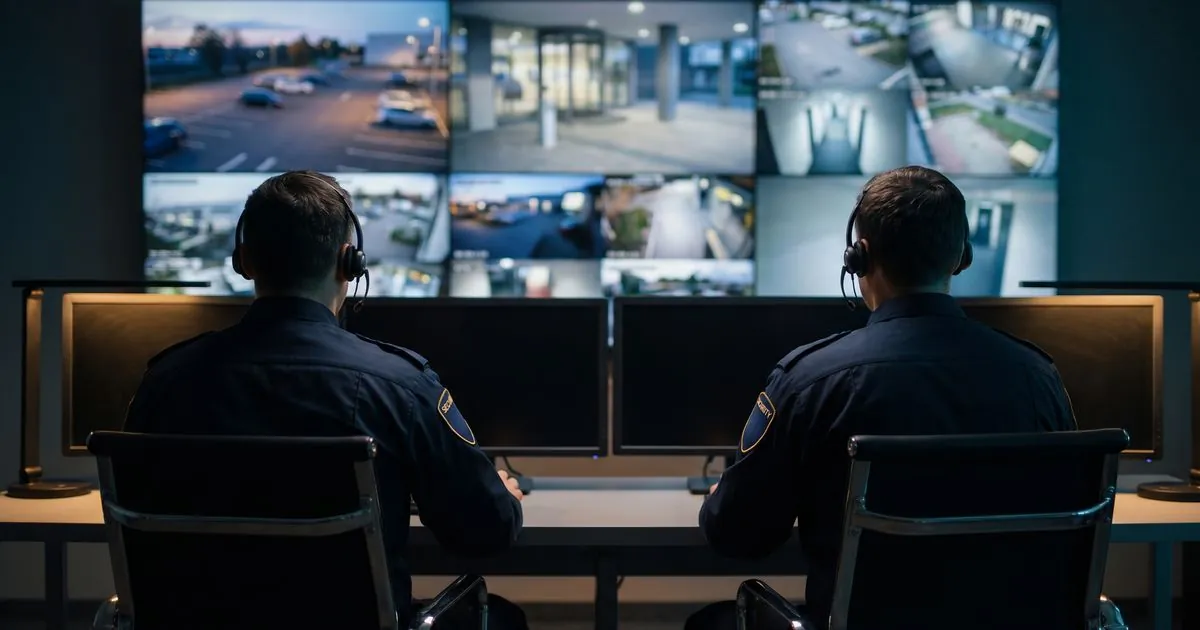
Security guard invoicing software turns the hours your officers work into the bills your clients pay. In Guardix, invoices can be built from clocked hours, scheduled shifts or the contract, and emailed to the client as a PDF. Clients can also find their invoices and time cards in the client portal.
Key points#
- Invoices can be built from clocked hours, scheduled shifts or the contract.
- Each invoice can be emailed to the client as a PDF.
- Clients see their invoices and time cards in the Guardix client portal.
- A payroll run can be downloaded as an Excel or PDF file.
- Guardix does not connect directly to outside payroll or accounting software today.
The problem it solves#
Billing is where a guard company gets paid for everything else it does. Yet in many offices the invoice is still built by hand at the end of the month: someone collects timesheets, checks them against the schedule, types the hours into a spreadsheet and then into an invoice.
Every step is a chance to lose money or trust. Hours that never reach the invoice are work you gave away. Hours that do not match what the client saw at the site start a dispute, and a dispute delays the payment.
The fix is to bill from the same record the officers create when they work, so the office is not copying numbers between systems.
Three ways to build an invoice#
Not every contract bills the same way, so Guardix gives three starting points:
- From clocked hours. The invoice follows the time officers actually clocked at the client's sites. This suits contracts billed by the hour worked.
- From scheduled shifts. The invoice follows the shifts planned for the client. This suits clients who pay for the coverage they booked.
- From the contract. The invoice follows the terms agreed with the client. This suits a fixed monthly or periodic fee.
Whichever you choose, the finished invoice can be emailed to the client as a PDF.
Where the hours come from#
An hourly invoice is only as good as the clock-ins behind it. Officers clock in with the Guardix mobile app, and by default an officer outside the site's geofence, the area set around the site, cannot clock in. See clock-in for how it works.
A company can relax that rule for the whole company, one site or one officer. Clock-ins from outside the area are then recorded and flagged, so the office can look at them before the hours go on an invoice.
The schedule matters too. Shifts can be one-off or recurring, or built from shift templates, and scheduling warns about open and understaffed shifts before a schedule is published. A clean schedule makes an invoice built from scheduled shifts easier to trust.
What the client sees#
In the client portal, each client sees their own invoices and time cards, along with their sites, reports, the schedule and a live map of on-duty officers. What each client sees is controlled by client roles.
That gives the client a way to check the hours behind a bill without calling the office. When a question does come up, both sides are looking at the same time cards.
Payroll from the same hours#
The hours you bill are also the hours you pay. In Guardix, a payroll run can be downloaded as an Excel or PDF file, ready for whoever runs payroll. See payroll for details.
Guardix does not connect directly to outside payroll or accounting software today, so the download is the hand-off to the tools your bookkeeper already uses.
A simple way to start#
- Decide how each client is billed. Match each contract to clocked hours, scheduled shifts or the contract terms.
- Set the geofence for each site. Choose whether out-of-area clock-ins are blocked or recorded and flagged.
- Review flagged clock-ins before billing. Settle questions in the office, not with the client.
- Turn on the portal for the client. Let them see the invoices and time cards behind each bill.
Frequently asked questions#
How does Guardix build a security guard invoice?#
Invoices can be built from clocked hours, scheduled shifts or the contract. The finished invoice can be emailed to the client as a PDF.
Can clients see their invoices in Guardix?#
Yes. In the client portal, clients see their own invoices and time cards, along with their sites, reports and schedule. What each client sees is controlled by client roles.
How do I get payroll hours out of Guardix?#
A payroll run can be downloaded as an Excel or PDF file. Guardix does not connect directly to outside payroll or accounting software today, so the file is the hand-off to your bookkeeper.
What happens to clock-ins from outside the site?#
By default, an officer outside the site's geofence cannot clock in. If a company relaxes this rule, clock-ins from outside are recorded and flagged so the office can review them.
- Invoicing
- Billing
- Features