Guardix Features
Missed guard tours: how Guardix reminds officers and alerts clients
Missed guard tours cost trust. How Guardix schedules tours, reminds officers, records skipped checkpoints and tells clients when a tour window passes.
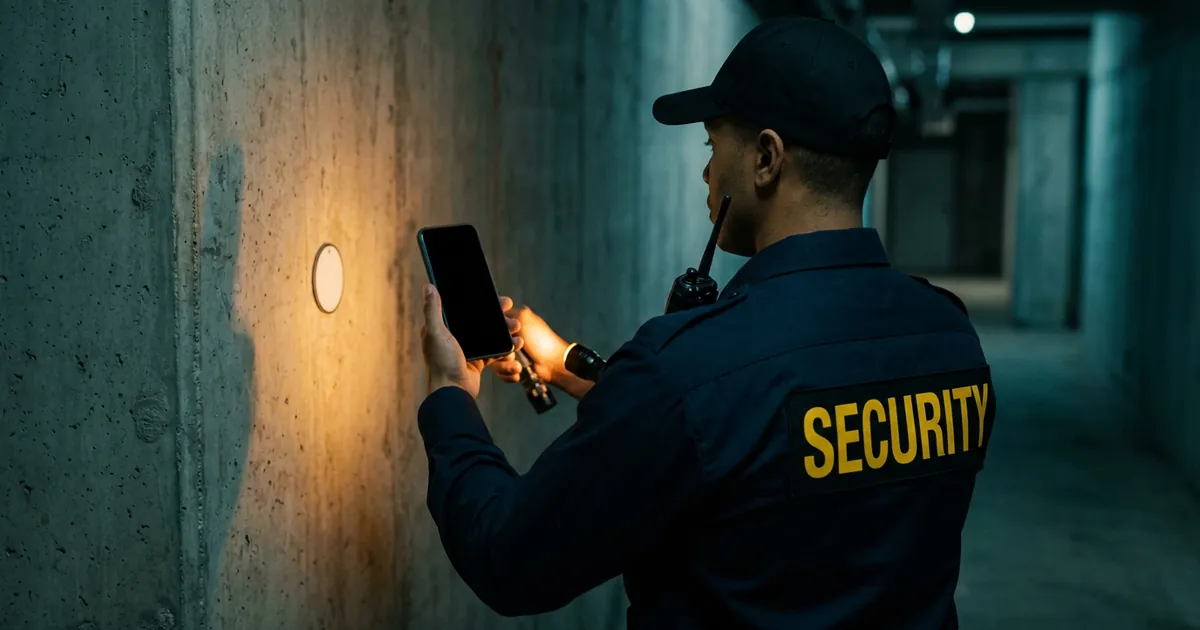
A missed guard tour is rarely a choice. Usually a shift gets busy, the time slips and nobody notices until the client asks. Guard tours in Guardix are built to stop that: tours run on a schedule, officers get reminders, skipped checkpoints are recorded and the client can be told when a tour window passes without a tour.
Key points#
- A tour can run on chosen days at set start times with a time limit, or repeat every half hour, hour or two hours during the officer's shift.
- Officers get reminders when a tour window opens and before it closes.
- Before an officer ends a tour, the app lists the checkpoints not yet scanned, and skipped checkpoints are recorded.
- Managers can filter tours by ongoing, completed and missed.
- Clients can be notified when a tour is completed or when a tour window passes without one.
The problem: tours that quietly do not happen#
A client pays for patrols they almost never watch. When a tour is missed, the first sign is often a complaint, or an incident at a spot that should have been checked.
The fix is not to ask officers to remember harder. It is to give each tour a time, remind the officer at the right moment and keep a record that shows what happened.
Step 1: put the tour on a schedule#
Each tour belongs to a post site and has its checkpoints: NFC tags, QR codes or GPS points. Managers then choose when it runs. A tour can run on chosen days at set start times with a time limit, or it can repeat every half hour, hour or two hours during the officer's shift.
Managers can also set the order of the checkpoints. The app lists them in that order, and officers can still scan them in any order when the route calls for it.
Step 2: remind the officer#
Officers get a reminder in the mobile app when a tour window opens, and another before it closes. The reminder comes at the time the tour is due, so the officer does not have to watch the clock during a busy shift.
The officer starts the tour in the app and scans each checkpoint with the phone: the camera for a QR code, the phone's NFC reader for an NFC tag. At a GPS checkpoint, the officer taps to check in, and the app needs a data connection at that moment.
Step 3: record what was skipped#
Some checkpoints cannot be reached on a given night. A door is blocked, a gate is locked or the officer is called away. Before an officer ends a tour, the app lists the checkpoints not yet scanned, so a checkpoint is never left out by accident.
If the officer ends the tour anyway, the skipped checkpoints are recorded. The manager sees exactly which stops were missed, not only that the tour was finished.
Step 4: see missed tours at a glance#
In the web app, managers can filter tours by ongoing, completed and missed. A missed tour stands out in that list instead of hiding among the completed ones, so a supervisor can follow up with the officer on the same shift or the next one.
What the client sees#
Clients see tours and checkpoint logs in the client portal. They can also be notified when a tour is completed, or when a tour window passes without one.
That second alert can feel uncomfortable to turn on. In practice, a client who hears about a missed tour from you, with the reason, trusts you more than one who finds out later. Completed patrol tours are also part of the automated client report, the daily, weekly or monthly email with a PDF.
Frequently asked questions#
How does Guardix remind officers about guard tours?#
Officers get a reminder in the mobile app when a tour window opens and another before it closes. Tours can run at set start times on chosen days, or repeat every half hour, hour or two hours during the shift.
What happens to skipped checkpoints?#
Before an officer ends a tour, the app lists the checkpoints not yet scanned. If the tour is ended anyway, the skipped checkpoints are recorded, so managers see which stops were missed.
Can clients find out about a missed guard tour?#
Yes. Clients can be notified when a tour is completed or when a tour window passes without one, and they can see tours and checkpoint logs in the client portal.
How does an officer check in at a GPS checkpoint?#
At a GPS checkpoint, the officer taps to check in. A GPS check-in does not work offline: it needs a data connection at that moment.
- Guard tours
- Patrols
- Features