Guardix Features
Security report forms: build your own in Guardix, site by site
Security report forms in Guardix: build forms from simple fields, choose which sites use them, remind officers to file, and approve or reject each report.
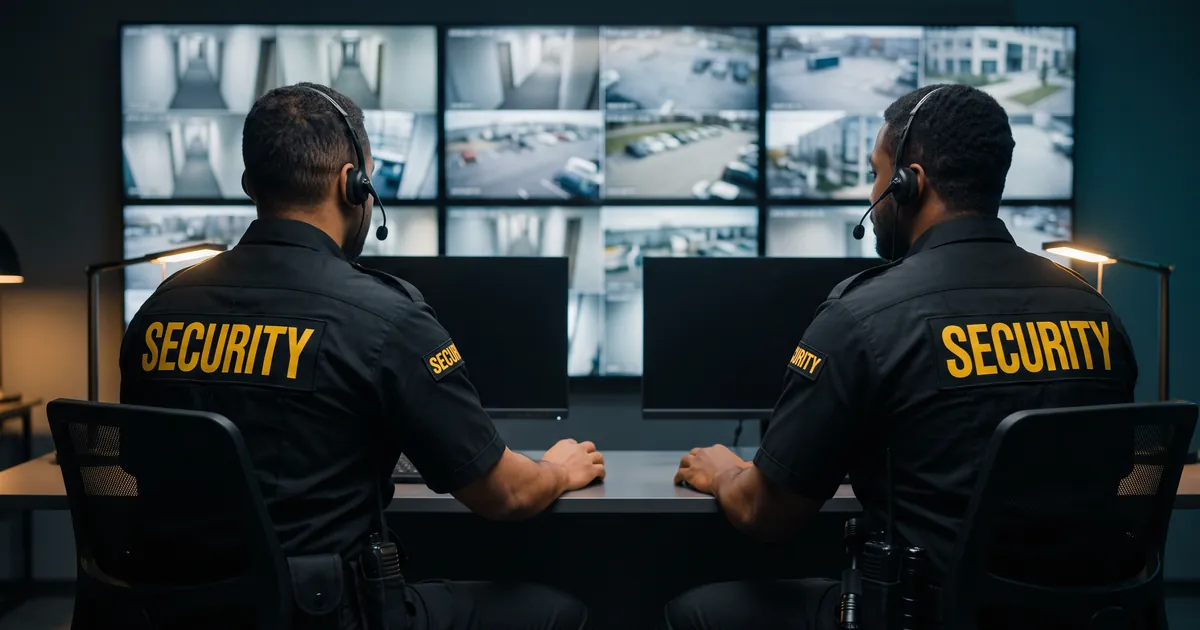
Security report forms work best when they ask for what a site actually needs. In Guardix, companies build their own report forms from simple fields, choose which sites use each form and collect the finished reports from officers' phones. This post explains how the forms are built, how officers fill them in and what managers do with the results.
Key points#
- Companies build report forms from headings, text boxes, checkboxes, dates, times, signatures and file uploads.
- Each form can be limited to the sites that need it.
- Every new site starts with ready-made incident forms that can be edited.
- Officers file reports in the mobile app while they are clocked in to their shift.
- Report templates such as hourly reports remind officers to file and alert people when a report is missed.
The problem with one form for every site#
A hospital, a construction yard and an office lobby do not produce the same report. When one general form has to cover them all, officers skip fields that do not apply, and the details a client cares about end up lost in a notes box.
Paper and shared documents add a second problem. A manager cannot easily tell which reports are missing until someone goes looking for them.
How a form is built#
A manager builds a form from a small set of parts:
- Headings, to divide the form into sections
- Text boxes, for descriptions
- Checkboxes, for items to confirm
- Dates and times
- Signatures
- File uploads
The manager then chooses which sites use the form. A checklist written for one client's loading dock can stay on that site, while a general form can be used on many.
Companies do not have to start from nothing. Every new site starts with ready-made incident forms, such as Trespassing, Vandalism and Police Onsite. These can be edited to match the way the company works.
What the officer does#
Officers file reports in the mobile app while they are clocked in to their shift. They see the form and fill it in on the phone.
Photos are taken with the app's camera and stamped with the date, time and GPS position. That gives the reader of the report context about when and where the picture was taken.
Not every officer is a confident writer. A "Help me write" button turns an officer's quick notes into clear, first-person sentences, without adding anything that is not in the notes or photos. If the notes leave out the basics, it asks a few short questions first. The officer then picks "Use this" or "Keep mine", so the final words remain the officer's choice.
Signal is not always good on a post. If a report cannot be sent because there is no signal, the app keeps it on the phone and sends it when the signal comes back.
Reports that arrive on time#
Some reports are due on a rhythm. Report templates, such as hourly reports, remind officers to file and alert officers and managers when a report is missed. A missed report becomes something a manager can follow up during the shift, not something discovered days later.
What managers and clients see#
Managers can approve or reject reports and export them as a PDF. That gives a supervisor a clear step for checking the quality of a report before it is used.
Clients can see reports too. In the client portal, clients see their own sites and reports, including incidents, checklists, clock-ins and tours. What each client sees is controlled by client roles. Clients can export portal reports as a PDF, CSV or Excel file.
For serious events, the same tools support incident reporting, starting from the ready-made forms on each site.
Managers can also set up a client report email that goes out daily, weekly or monthly, with the report attached as a PDF. It covers hours worked, reports submitted, incidents by category and completed patrol tours for the selected sites and period.
A simple way to start#
Start with your most common report, and look at the last few that came in. Remove the fields officers leave blank, then add the fields your client keeps asking about.
Next, use a heading for each part of the form, so it reads in the order an officer works through it. Assign it to one site, ask an officer on that post to try it, and adjust it before you use it elsewhere.
Frequently asked questions#
Can each site have its own report form in Guardix?#
Yes. Companies build their own forms and choose which sites use each one. A form can be used at a single site or across several sites.
Can officers file reports without a signal?#
If a report cannot be sent because there is no signal, the app keeps it on the phone and sends it when the signal comes back. Officers file reports while they are clocked in to their shift.
Does the writing help add details to a report?#
No. "Help me write" turns an officer's notes into clear sentences without adding anything that is not in the notes or photos. The officer can pick "Use this" or "Keep mine".
Can Guardix remind officers to file hourly reports?#
Yes. Report templates such as hourly reports remind officers to file, and they alert officers and managers when a report is missed.
- Features
- Reports
- Operations