Guides
How to choose security guard management software
What to look for in security guard management software, the questions to ask in every demo, and a free checklist to compare tools side by side.
- Author
- By Guardix Team
- Reviewer
- Reviewed by Peter Mina
- Published
- Published
- Reading time
- 8 min read
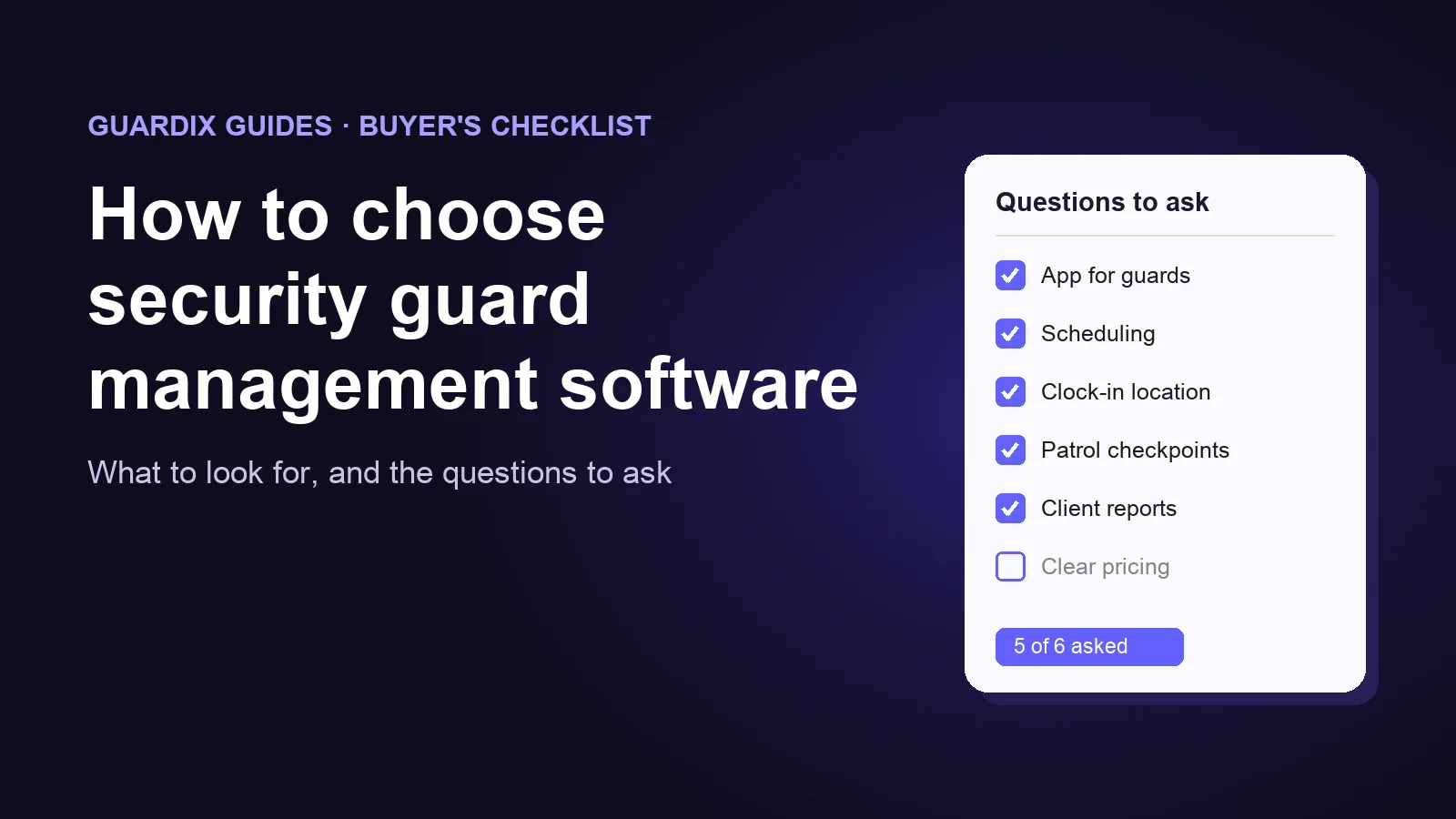
Most small guard companies run on a mix of paper reports, spreadsheets, group chats and phone calls. It works until it does not: a shift goes uncovered and nobody notices, a client asks for last month's patrol records, or payroll eats a whole weekend.
Security guard management software puts scheduling, time, patrols, reports and client updates in one place. But every vendor says it does it all. This guide helps you look past the sales pitch: what to look for, the questions to ask in a demo, and a free checklist to compare tools side by side.
Start with your own problems#
Before you look at any software, write down the three problems that cost you the most time or money today. For example:
- Officers miss shifts, and you find out too late.
- A client asks for proof of patrols, and it takes hours to put together.
- Payroll means retyping hours from paper timesheets.
- Reports arrive late, messy, or not at all.
Judge every tool by how well it fixes those three problems. A long feature list is not the goal. Fewer phone calls, fewer mistakes and happier clients are.
What to look for#
1. An app your officers will actually use#
Most of the information comes from the officer's phone: clock-ins, patrols, reports, photos. If the app is slow or confusing, officers stop using it, and nothing else works.
Look for an app that runs on both iPhone and Android, has big, simple screens, and works on the older phones many officers carry. Ask what happens when the signal is weak.
2. Scheduling that handles real life#
Building the schedule is only the start. Officers call in sick, clients add hours, and shifts need to be covered at short notice.
Look for shifts you can build across all your sites in one place, open shifts that officers can pick up from the app, shift swaps that a manager approves, and time-off requests. You should see gaps in the schedule before they become missed posts.
3. Proof of time and attendance#
Clock-in and clock-out from the phone, with a check that the officer is really at the site. Ask what the system does when someone clocks in from the wrong place: does it block them, warn a manager, or just record it?
The hours should flow into timesheets on their own, so nobody retypes them.
4. Patrols you can prove#
Clients want proof that patrols happened. Look for checkpoints at each site that officers scan with the phone, such as NFC tags or QR codes, and a clear record of each patrol: what was scanned, when, and what was missed.
5. Reports clients want to read#
Daily activity reports and incident reports are what your clients see most. Look for reports written on the phone during the shift, with photos, in the same clear format at every site, and easy to share as a PDF.
6. A window for your clients#
A client portal lets clients see their own reports and activity without calling you. Ask what clients can see, and whether you control it site by site.
7. Payroll and billing that start from the same hours#
The hours your officers clock should feed both payroll and client invoices, so the two always agree. Ask exactly how the data gets to your payroll provider or accounting software: built in, a file you download, or a direct connection. Then ask to see it working with a system like yours. A connection that is "planned" does not help you today.
8. Control and security#
Each person should see only what they need: officers their own shifts, supervisors their sites, clients their own reports. Look for roles and permissions you can set yourself, and ask how accounts are protected and who owns your data.
9. Clear pricing#
Ask how the price is worked out: per user, per officer, per site, or a flat fee. Ask about setup fees, paid add-ons, contract length, and what happens if you want to leave.
10. Help when you need it#
Ask who sets the system up, how officers are trained, and who answers when something breaks at 2 a.m.
Questions to ask in every demo#
Ask every vendor the same questions, and ask them to show you, not tell you.
- Can you show me an officer clocking in from the phone, from start to finish?
- What happens if an officer clocks in from the wrong place?
- Show me a patrol with a missed checkpoint. Where do I see it, and how quickly?
- Show me an incident report with photos, from the officer's phone to what the client sees.
- How do hours get from the timesheet into payroll and into an invoice? Show me with a system like mine.
- Which of the features you showed me are live today, and which are planned?
- What will I pay each month for my number of officers and sites, with everything I need? What costs extra?
- How long is the contract, and how do I leave? Can I take all my data with me, and in what format?
- How do you train officers who are not comfortable with technology?
- Who do I call when the app stops working in the middle of the night, and how fast will they answer?
Red flags#
- "It can do that," but nobody shows it working.
- Features you need now are "coming soon".
- You only get a price after three calls.
- A long contract with no way out, or no way to get your data back.
- The vendor's own team struggles to use the app during the demo.
Try it on one site before you switch#
Do not move every site at once. Pick one site and a handful of officers, and run the new system for two to four weeks. Write down how things are today, then compare:
- late or missed clock-ins;
- reports handed in on time;
- hours spent building the schedule;
- payroll corrections;
- calls and emails from the client asking for updates.
Ask the officers what they think. If they will not use it, it will not work.
Free checklist: compare tools side by side#
Copy this into a document or spreadsheet. Score each tool 0 (no), 1 (partly) or 2 (yes, and they showed it to me).
SECURITY GUARD SOFTWARE CHECKLIST          Tool A   Tool B   Tool C

OFFICER APP
  iPhone and Android                       ____     ____     ____
  Simple enough for every officer          ____     ____     ____
  Works on weak signal (ask how)           ____     ____     ____

SCHEDULING
  All sites in one schedule                ____     ____     ____
  Open shifts officers can pick up         ____     ____     ____
  Shift swaps and time off                 ____     ____     ____

TIME AND ATTENDANCE
  Clock-in from the phone                  ____     ____     ____
  Checks the officer is at the site        ____     ____     ____
  Timesheets without retyping              ____     ____     ____

PATROLS
  Checkpoints (NFC, QR or GPS)             ____     ____     ____
  Missed checkpoints are easy to see       ____     ____     ____

REPORTS AND CLIENTS
  Daily and incident reports on phone      ____     ____     ____
  Photos in reports                        ____     ____     ____
  PDF reports                              ____     ____     ____
  Client portal                            ____     ____     ____

PAYROLL AND BILLING
  Hours flow to payroll                    ____     ____     ____
  Hours flow to invoices                   ____     ____     ____
  Works with my payroll / accounting       ____     ____     ____

CONTROL, PRICE AND SUPPORT
  Roles and permissions                    ____     ____     ____
  Full price in writing                    ____     ____     ____
  Fair contract, data export on exit       ____     ____     ____
  Setup help and officer training          ____     ____     ____

TOTAL                                      ____     ____     ____
How Guardix helps#
Guardix is built for security guard companies. Here is what it does today, so you can check it against the questions above:
- One app for officers, on iPhone and Android. Officers see their shifts, clock in and out, scan patrol checkpoints and write reports in the Guardix mobile app.
- Scheduling across all your sites. Managers can post open shifts that officers claim in the app. Officers can ask to swap a shift: the other officer accepts, then a manager approves.
- Clock-in at the site. By default, an officer outside the site's geofence (the area set around the site) cannot clock in. You can relax this for the whole company, one site or one officer, and then clock-ins from outside are recorded and flagged.
- Patrols with proof. Checkpoints can be NFC tags, QR codes or GPS points, and the site tour report shows every missed checkpoint.
- Reports clients can read. Officers write reports on the phone with photos stamped with the time and place. Managers export them as a PDF, and clients see the reports for their own sites in the client portal.
- From hours to invoices. Invoices can be built from clocked hours, scheduled shifts or the contract, and emailed to the client as a PDF. A payroll run can be downloaded as an Excel or PDF file. Guardix does not connect directly to outside payroll or accounting software today, so ask us to show you how the file fits your process.
- Roles you control. Every user has a role. You can change the built-in roles or create your own.
Our prices are on the pricing page, per user per month, with what each plan includes.
Frequently asked questions#
How much does security guard management software cost?#
It differs a lot between vendors. Prices can be per user, per officer, per site, or a flat fee, sometimes with setup fees or paid add-ons on top. Ask each vendor for a full written quote for your number of officers and sites, so you can compare like with like.
How long does it take to switch?#
It depends on how many sites and officers you have. Plan for three steps: setting up your sites, officers and post orders; training the officers; and a trial at one site before you move everyone. Ask each vendor for a realistic plan with dates.
Does a small guard company need software at all?#
With one site and a few officers, paper and a spreadsheet can be enough. Once you have several sites, shifts around the clock, or clients asking for proof, software usually saves more time than it costs to learn.
Want to see how Guardix handles your sites? Book a demo, and bring the questions above.