Guardix Features
Hourly security reports: reminders and missed-report alerts in Guardix
Hourly security reports in Guardix: report templates remind officers to file, alert officers and managers when a report is missed, and go to approval.
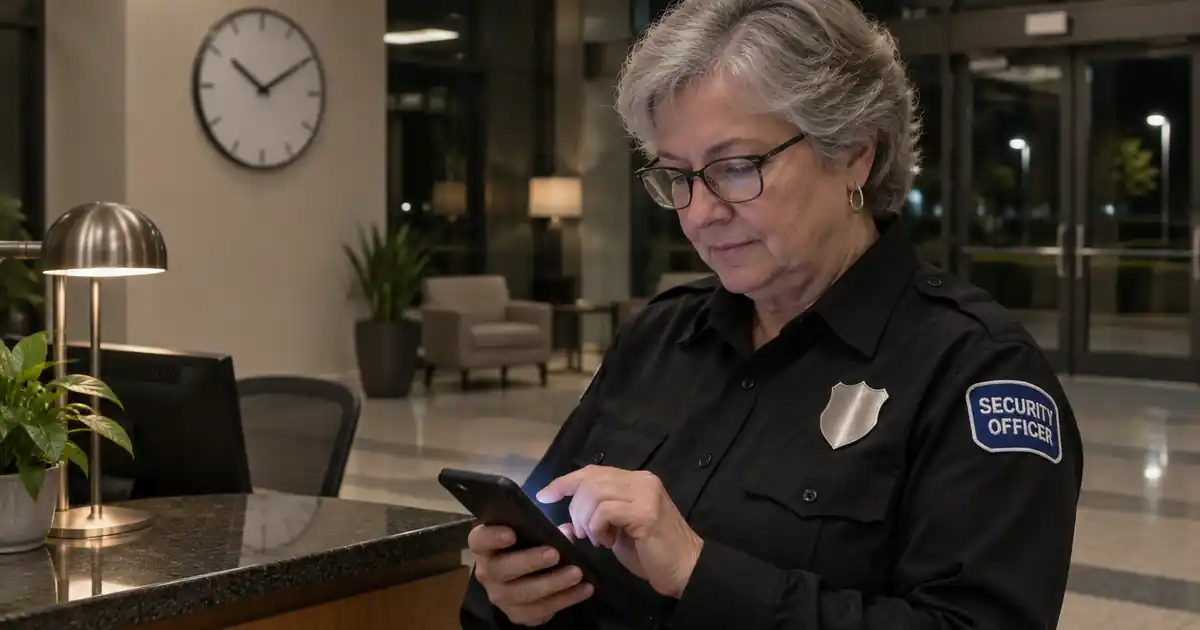
Hourly security reports are a common promise in guard contracts, and a common gap. In Guardix, report templates such as hourly reports remind officers to file and alert officers and managers when a report is missed. This post explains how that works in reports, what the officer does in the mobile app and how the reports reach the client.
Key points#
- Guardix report templates, such as hourly reports, remind officers to file and alert officers and managers when a report is missed.
- Companies build their own report forms from headings, text boxes, checkboxes, dates, times, signatures and file uploads, and choose which sites use each form.
- Officers file reports in the mobile app while they are clocked in to their shift, with photos stamped with the date, time and GPS position.
- If a report cannot be sent because there is no signal, the app keeps it on the phone and sends it when the signal comes back.
- Managers can approve or reject reports and export them as a PDF, and a scheduled client report email covers reports submitted.
The problem: the report nobody wrote#
Many contracts ask for an hourly check of the site, written up each time. On a busy night the first few reports go in on time. Then a visitor arrives, a door alarm goes off, and the next report is written at the end of the shift, from memory, or not at all.
The client only finds out later, when the report they ask for is missing. A reminder before the report is due, and an alert when it is not filed, fix the gap while there is still time.
How it works, step by step#
- Build the form. Companies build their own report forms from headings, text boxes, checkboxes, dates, times, signatures and file uploads. An hourly form might ask for the areas checked, anything unusual and a photo.
- Choose the sites. Each form is assigned to the sites that use it, so officers at a warehouse and officers at an office tower see the forms that fit their post.
- Set it up as a template. Report templates, such as hourly reports, remind officers to file.
- The officer files. Officers file reports in the mobile app while they are clocked in to their shift.
- Missed reports raise an alert. When a report is missed, officers and managers are alerted.
- The manager reviews. Managers can approve or reject reports and export them as a PDF.
What the officer sees#
The officer gets a reminder to file the report and fills in the form in the app. Photos are taken with the app's camera and stamped with the date, time and GPS position, which makes them stronger proof than a picture from the phone's gallery.
If the officer's notes are rough, the "Help me write" button turns them into clear, first-person sentences without adding anything that is not in the notes or photos. The officer picks "Use this" or "Keep mine".
Signal is often weak in basements and stairwells. If a report cannot be sent because there is no signal, the app keeps it on the phone and sends it when the signal comes back.
What the manager sees#
Managers are alerted when a report is missed, so they can call the officer while the shift is still running. They review filed reports and approve or reject them, which gives a chance to ask for a clearer description before the client sees it. Reports can be exported as a PDF.
What the client sees#
In the client portal, clients see reports for their own sites, along with incidents, checklists, clock-ins and tours. Managers can also set up a client report email that goes out daily, weekly or monthly, with a PDF covering hours worked, reports submitted, incidents by category and completed patrol tours.
Tips for hourly reports#
- Keep the form short. A form that takes a minute gets filled in every hour. A long one gets skipped.
- Ask for one photo. One stamped photo per report shows the officer was there and what the site looked like.
- Match the contract. If the contract says hourly, set the template to hourly, and make sure the form asks for what the client expects to read.
- Follow up on alerts quickly. A missed-report alert is most useful while the shift is still running.
Frequently asked questions#
Does Guardix remind officers to file hourly reports?#
Yes. Report templates, such as hourly reports, remind officers to file. They also alert officers and managers when a report is missed.
Can officers file reports without a signal?#
If a report cannot be sent because there is no signal, the Guardix app keeps it on the phone and sends it when the signal comes back. Officers file reports while they are clocked in to their shift.
Can we design our own hourly report form?#
Yes. Companies build their own report forms from headings, text boxes, checkboxes, dates, times, signatures and file uploads, and choose which sites use each form.
How do clients see the hourly reports?#
Clients see reports for their own sites in the client portal. Managers can also send a scheduled client report email, daily, weekly or monthly, with a PDF that covers reports submitted.
- Reports
- Features
- Operations