Templates
Daily activity report template for security guards (free)
What a security guard's daily activity report should include, a free copy-ready template, and simple rules that make every report useful to the client.
- Author
- By Guardix Team
- Reviewer
- Reviewed by Peter Mina
- Published
- Published
- Reading time
- 4 min read
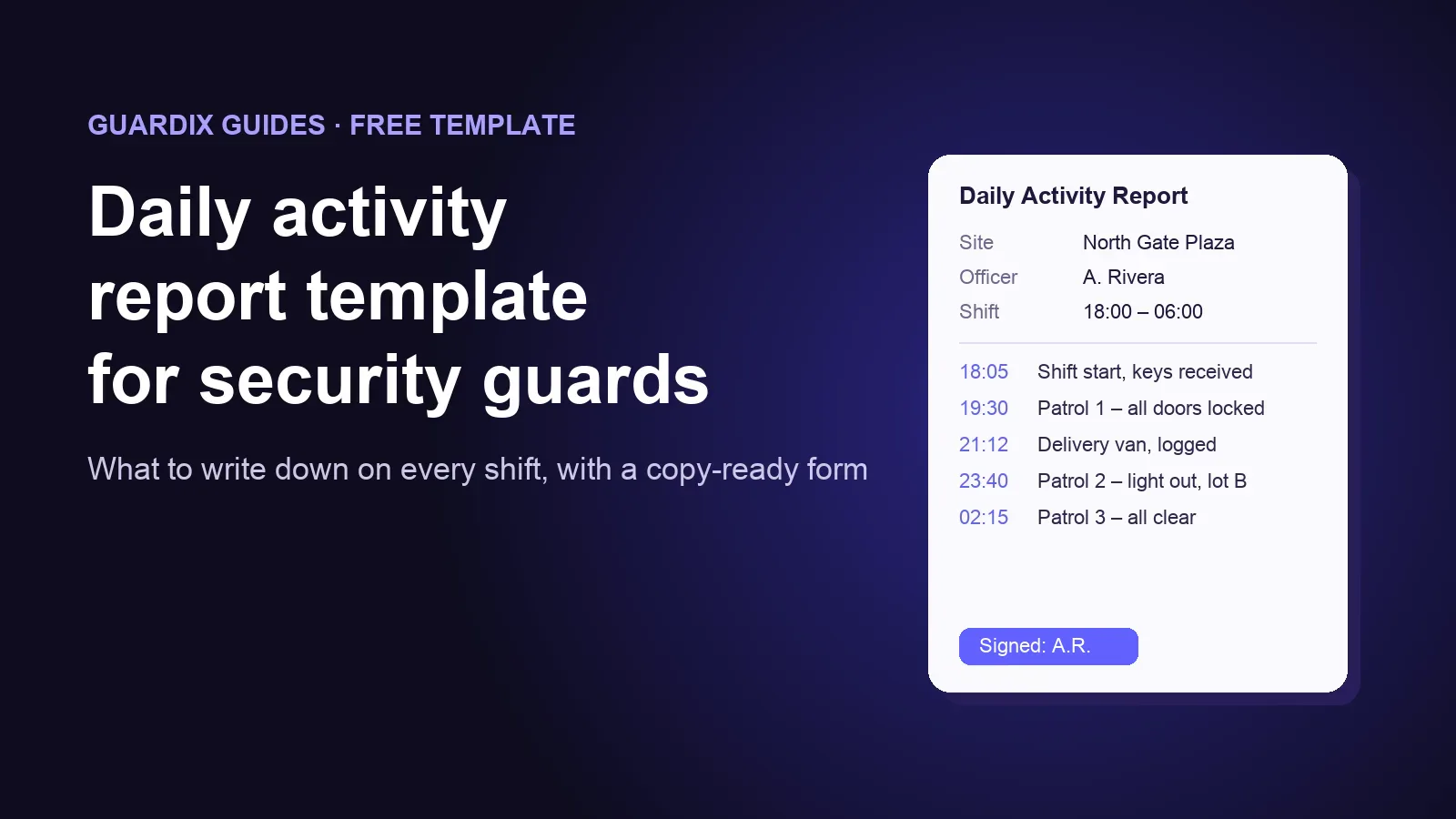
A daily activity report (often called a DAR) is the officer's record of one shift: who was on site, what they checked, and what happened. Clients read it to see the value they pay for. Managers read it to catch problems early. If a claim or an investigation comes up later, the report may be the only written record of that night.
This guide gives you a free template you can copy today, plus the habits that make a report worth reading.
What a good daily activity report includes#
Every report should answer the same six questions, in the same order, on every shift.
- Where and when. The site, the date, the officer's name, and the start and end time of the shift.
- What was handed over. Keys, radios, open issues, and instructions from the previous shift.
- Patrols and checks. Each patrol with its time and what was checked: doors, gates, lights, alarms, fire exits.
- People and vehicles. Visitors, contractors and deliveries, with times and names or plate numbers where the site requires them.
- Anything unusual. Damage, hazards, suspicious activity, alarms, and who was told about each one. A serious event also gets its own incident report.
- What is handed on. What the next shift needs to know, and anything still open.
The free template#
Copy this into your own form, document or app. Keep the order the same on every site, so supervisors and clients always know where to look.
DAILY ACTIVITY REPORT

Site: ______________________   Date: ____________
Officer: ___________________   Shift: ____:____ to ____:____
Supervisor on call: _____________________________

1. HANDOVER RECEIVED
   Keys / radios / equipment: ______________________
   Open issues from last shift: ____________________

2. PATROL LOG
   Time    Area checked          Result / notes
   ____    ___________________   ____________________
   ____    ___________________   ____________________
   ____    ___________________   ____________________

3. VISITORS, CONTRACTORS AND DELIVERIES
   Time    Name / company        Purpose / plate
   ____    ___________________   ____________________

4. OBSERVATIONS AND INCIDENTS
   Time    What happened         Who was told
   ____    ___________________   ____________________
   Separate incident report written?  Yes / No

5. HANDOVER TO NEXT SHIFT
   ______________________________________________

Officer signature: _______________   Time: ________
How to write entries that are useful#
A report is only as good as its entries. These habits make the biggest difference.
- Write it as it happens. An entry written at 3 a.m. about a 9 p.m. event loses detail. Note the time and the facts right away, and tidy the wording later.
- Use exact times. "21:12" is useful. "Around nine" is not.
- Write facts, not opinions. "A man in a grey jacket tried the side door at 23:05 and left on foot heading north" is better than "Suspicious person near the building".
- Say who you told. If you reported a broken light or an alarm, write down who you told and when.
- Say when nothing happened. "Patrol 3, 02:15: all doors locked, all clear" proves the patrol took place.
- Keep one format everywhere. When every site uses the same sections, a supervisor can read twenty reports in a few minutes.
Common mistakes to avoid#
- Copying yesterday's report and changing the date. Clients notice, and it can hide a real problem.
- Leaving out the end of the shift. A report with no handover leaves the next officer guessing.
- Mixing an incident into the daily log only. A fight, an injury or a break-in needs its own incident report as well.
- Using names of people in a way the site does not allow. Follow the client's rules and your local privacy law for visitor details.
Paper, spreadsheet or app?#
Paper works for one site and a few officers, but reports get lost, are hard to read, and reach the client late. A shared spreadsheet is easier to search, but it depends on officers having a computer and remembering to fill it in.
A mobile app keeps the report with the officer, on the phone they already carry. This is how it works in Guardix:
- Your template becomes a form. You build your own report form from headings, text boxes, checkboxes, dates, times, signatures and file uploads, so it can follow the same sections as this template. Then you choose which sites use it.
- Officers fill it in during the shift. In the Guardix mobile app, officers write reports while they are clocked in to their shift. Photos are taken with the app's camera and stamped with the date, time and GPS position.
- Help me write. Under each long text box, this button turns an officer's quick notes into clear, first-person sentences. The officer reads the suggestion and picks "Use this" or "Keep mine".
- Managers and clients see the same report. Each report is saved with its site and shift. Managers can export reports as a PDF, and clients read the reports for their own sites in the client portal.
You can see more on the reports page.
Frequently asked questions#
How long should a daily activity report be?#
Long enough to answer the six questions above. For a quiet night shift, that can be half a page. A busy shift with several visitors and events is longer. A long report is fine; a vague one is the problem.
Who should read the daily activity report?#
The supervisor on the next working day, at the very least. Many clients also want to see them, either every day or in a weekly summary.
Is a daily activity report the same as an incident report?#
No. The daily activity report covers the whole shift. An incident report covers one serious event in full detail. When something serious happens, write both, and mention the incident in the daily log with a pointer to the incident report.
Want to see how this works for your sites? Book a demo and we will show you the reports, from the officer's phone to the client portal.